
Know Your Content : Confluence Blogs

Nov 24

I’m betting you’re REALLY familiar with Confluence pages - but how familiar are you with Blogs?


Originally there were two content types - pages and blogs. Pages were for “evergreen” content and blogs were for “point in time”. They look and feel VERY similar - they have the same editor and are visually pretty much identical. Also, most of the time most people use pages to share all kinds of information. So you might be asking yourself why do blogs exist?


Why do they exist?

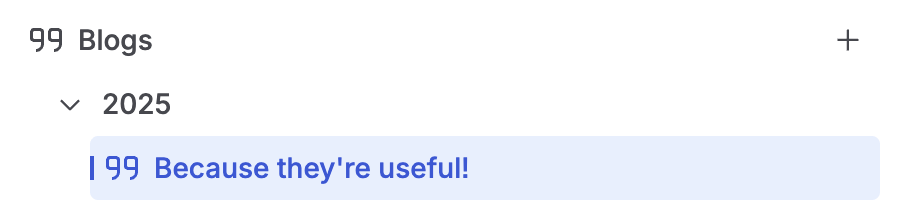
Blogs have a few things that set them apart from pages. First they don’t appear in the content hierarchy - they have a separate structure found under the content hierarchy. Second, they’re listed chronologically. This is a big clue into their use case - handling “point in time” information.

Imagine you’ve got a team event - something that is important in the runup to the event, but afterwards doesn’t have as much value. You could make a page titled “Team Event - November 2025”, however, this would quickly become outdated and clutter up your content hierarchy (especially as more team events appear!).

Instead you should make this a blog post. It will still be accessible via search, linking, sharing and the like - however - it will clearly be stored in the “November 2025” section of the space. This means folks can easily see it is a time-bound piece of content. This context is incredibly important as it helps individuals figure out what is important or relevant.

What else can they do?
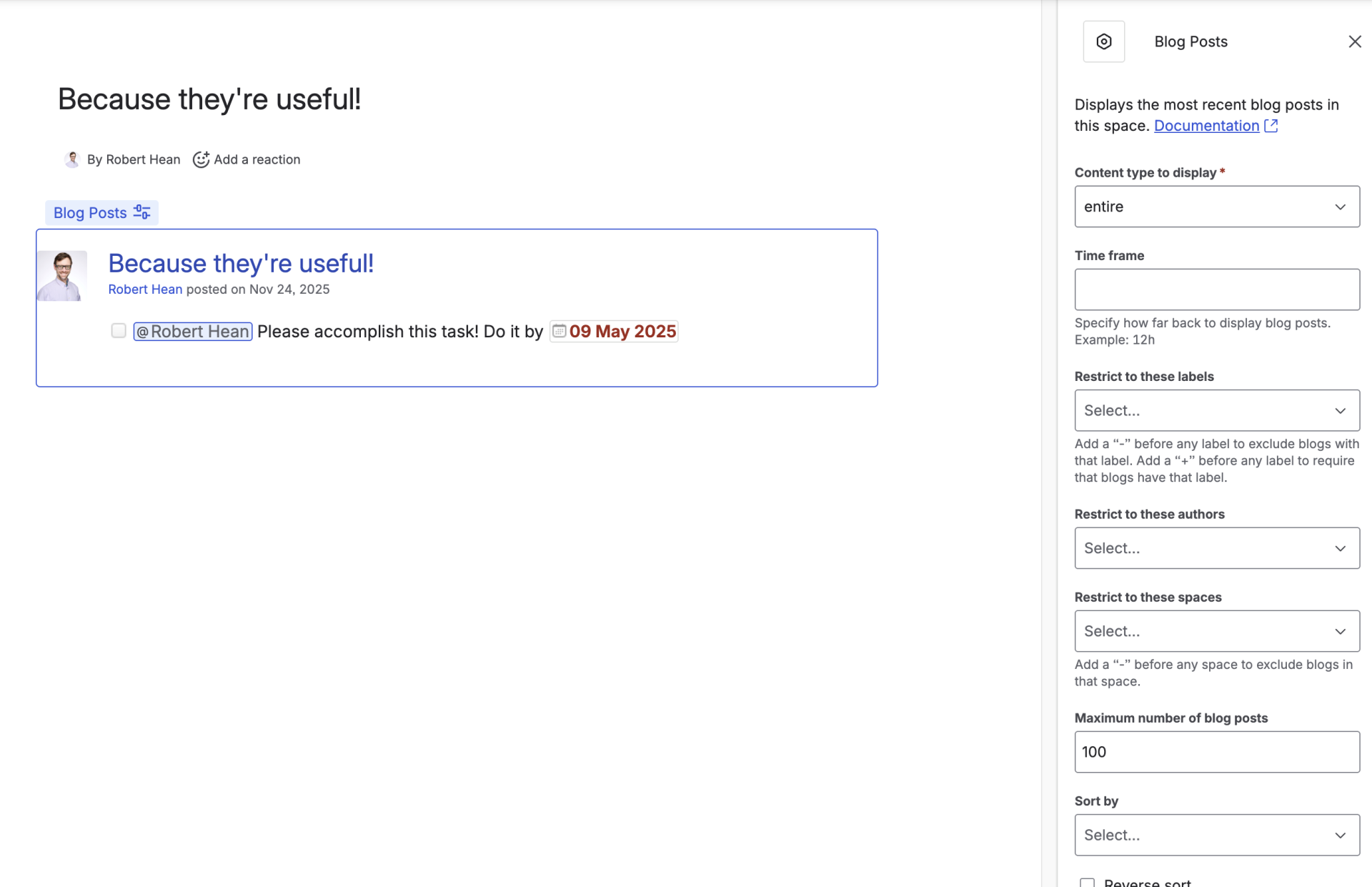
In addition to having their own separate hierarchy, blogs have the “Blog Stream” Macro. This macro allows you to pull in blog posts based on multiple criteria (author, label, timeframe, etc). This makes it easy to have a “latest news” display that people can easily browse.

Groups can easily setup different places people can go to get specific updates - one for project updates, another for team events, etc.

Blogs can also be enabled, or disabled, on a space by space level. This means if your team doesn’t want to use blogs (or doesn’t use them properly), a space admin can easily turn them off.

Best Practices

Like any tool there’s some best practices you can use to help keep Blogs on track:

  1. Define what goes in them - It can be very easy to get blogs and pages confused or used for the same thing. Make sure you understand how your team uses blogs, and stick to it.

  2. Share them - Blogs are great for point-in-time information, so make sure you’re broadcasting them to folks who will benefit from them. This might mean including them on various pages, emails and others.

 Label appropriately - Adding labels to blogs helps organize them, but also feed the “Blog Stream” macro. Labelling properly lets you pull up specific blogs in specific places.

Additional Resources

Created with